Use cases
Plan USB drives for conferences and training programmes
A useful event drive combines relevant content, simple navigation and a realistic arrival plan.
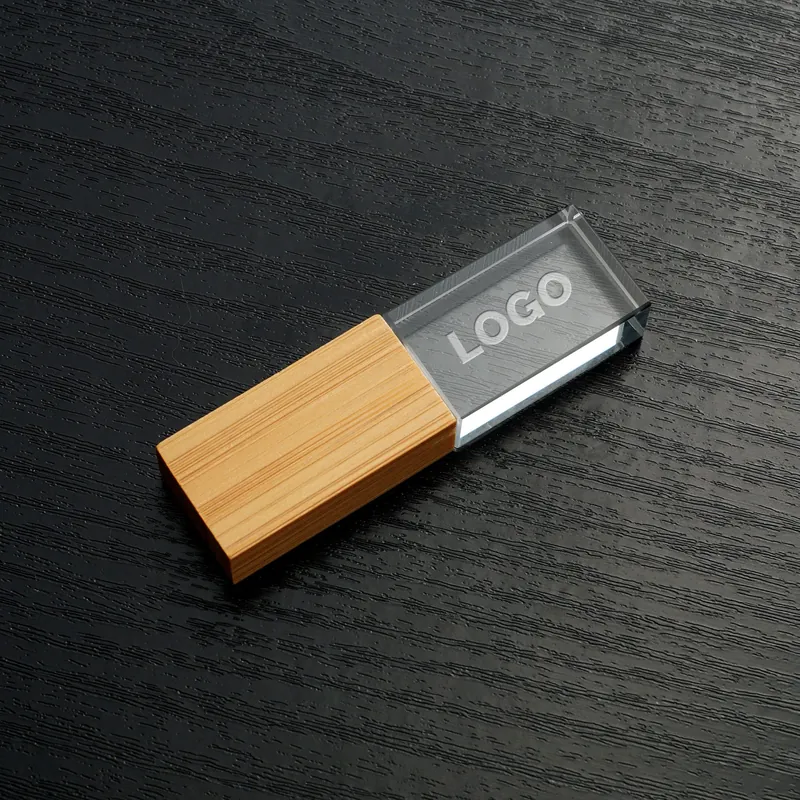
Decide what the drive is for
Define whether the drive carries training files, product information, conference materials or a reusable branded gift. Select the content that recipients actually need. A concise, well-organised folder can be more useful than a large collection of outdated files. Confirm distribution rights for every document and media asset.
Design for a varied audience
Consider the computers and ports likely to be used. If the audience is mixed, request samples of relevant connector options and test the intended content. Keep file names clear and provide a short read-me document. Avoid assuming recipients can install software or run executables on managed workplace computers.
Match branding to the handout format
Check how the logo reads on the chosen housing and how the drive will be carried. A card or attached lanyard may suit one event; a small box may suit another. Confirm accessories explicitly rather than assuming they come with the model. Review a complete packed unit before ordering.
Plan backwards from the event
Set a final artwork and content deadline. Include time for duplication, checking, shipping and venue receiving. Tell the fulfilment team the arrival date, contact person, carton labels and any restrictions on early deliveries. Prepare a clear process for missing or damaged cartons.
Close the loop after the event
Record which specifications worked and any practical issues recipients reported. Use that evidence for the next order. Evaluate usefulness and delivery quality without fabricating engagement statistics or assuming that every distributed drive was used.
Wopan editorial · An editorial guide based on published product information.
Join the conversation
Have a useful question or experience to share? Start the conversation.