USB Technology
Finish the transfer, then eject: a dependable USB removal routine
Use the operating system’s removal process and respond to busy-device messages instead of unplugging during activity.
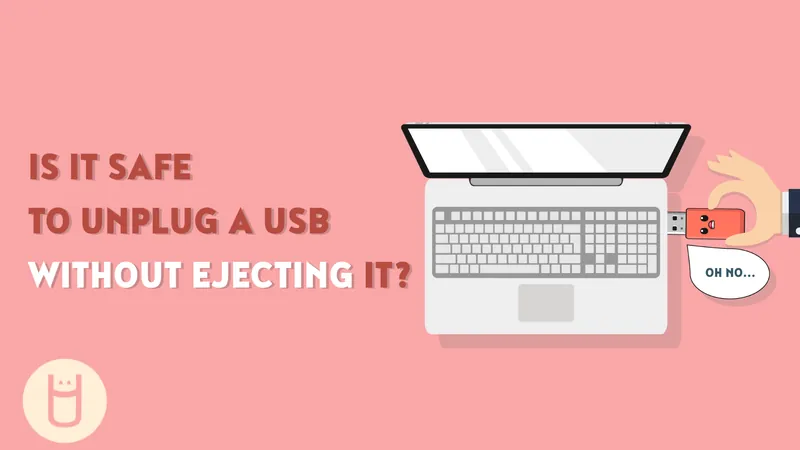
A closed window is not the whole check
Closing a file-manager window does not necessarily mean that every application has finished using a drive. A document may still be open, a copy may still be running or the system may have pending storage activity. USB Memory Direct’s removal guide highlights this distinction when explaining why ejecting is a useful habit.
The exact behaviour depends on the operating system, device and storage settings. There is no need to assume that every accidental unplug destroys files, but interrupting a write can leave data incomplete.
Use a simple sequence
Finish saving documents and wait for copy operations to complete. Close files and applications that are using the drive. Then choose the operating system’s normal eject or safe-removal action for the correct device. Wait for confirmation or for the drive to disappear from the available volumes before physically disconnecting it.
If the system reports that the device is busy, investigate rather than repeatedly forcing removal. Check open documents, media playback and background operations. Follow the operating system’s guidance when the cause is unclear.
Handle the connector gently
Pull the drive straight out without twisting the casing against the port. Support a laptop or hub if needed so it does not move with the drive. A decorative housing can be convenient to grip, but avoid using a protruding ornament as a lever.
If an interruption has already happened
Reconnect the drive only through a normal, trusted setup and check the relevant files against your original copies. If important data appears damaged or missing, avoid writing additional material to that drive while deciding how to recover it. Keep another copy of valuable work so one interrupted handover does not become the loss of the only version.
www.usbmemorydirect.com · An editorial guide based on published product information.
Join the conversation
Have a useful question or experience to share? Start the conversation.