USB Technology
Name USB drives so the right volume is easy to recognise
A short, consistent volume label can reduce confusion when several similar drives are connected.
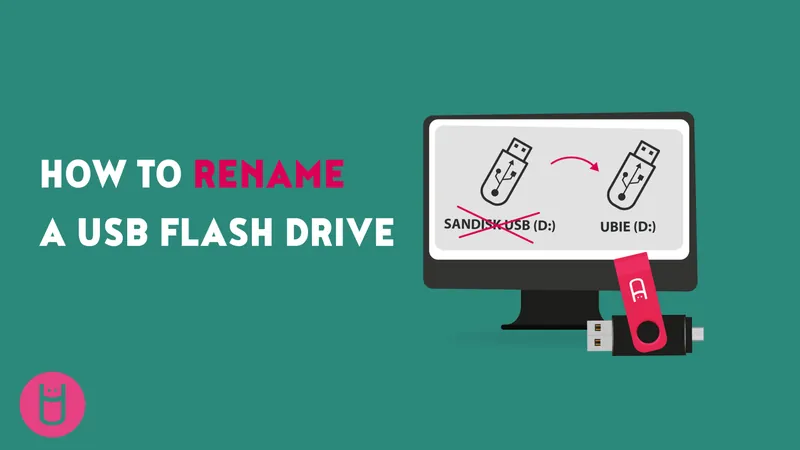
Confirm which drive you are naming
When several removable devices appear together, identify the intended one before changing its label. Check its current name, capacity and contents. If the situation is unclear, disconnect other removable drives through the normal eject process and work with one device at a time.
USB Memory Direct describes renaming a drive through the operating system’s file manager. Menu wording varies, but the important distinction is between changing the volume label and changing the contents or format of the device. Renaming is not the same task as formatting.
Choose a useful label
Use a short name that explains the purpose or edition, such as a project reference and a date. Put the most important information first so it remains visible when a file manager shortens the display. Avoid labels that reveal private client information if the drive may be seen or handled by others.
Follow any restrictions reported by the operating system. Supported characters and label length can depend on the file system, so do not assume that every proposed name will work on every device.
Keep the physical and digital identities aligned
If the drive has a sleeve, tag or printed asset reference, use a matching identifier in the volume label where practical. This makes it easier to return the correct drive to its package after checking or duplication. For a multi-edition order, record the relationship between label and contents in a simple inventory.
Check the result
Reconnect the drive after safely ejecting it and confirm that the new name appears as expected. A label helps people identify a device; it does not authenticate the contents, encrypt the data or prevent another person from changing it. Keep important files backed up and use the relevant security controls separately.
www.usbmemorydirect.com · An editorial guide based on published product information.
Join the conversation
Have a useful question or experience to share? Start the conversation.